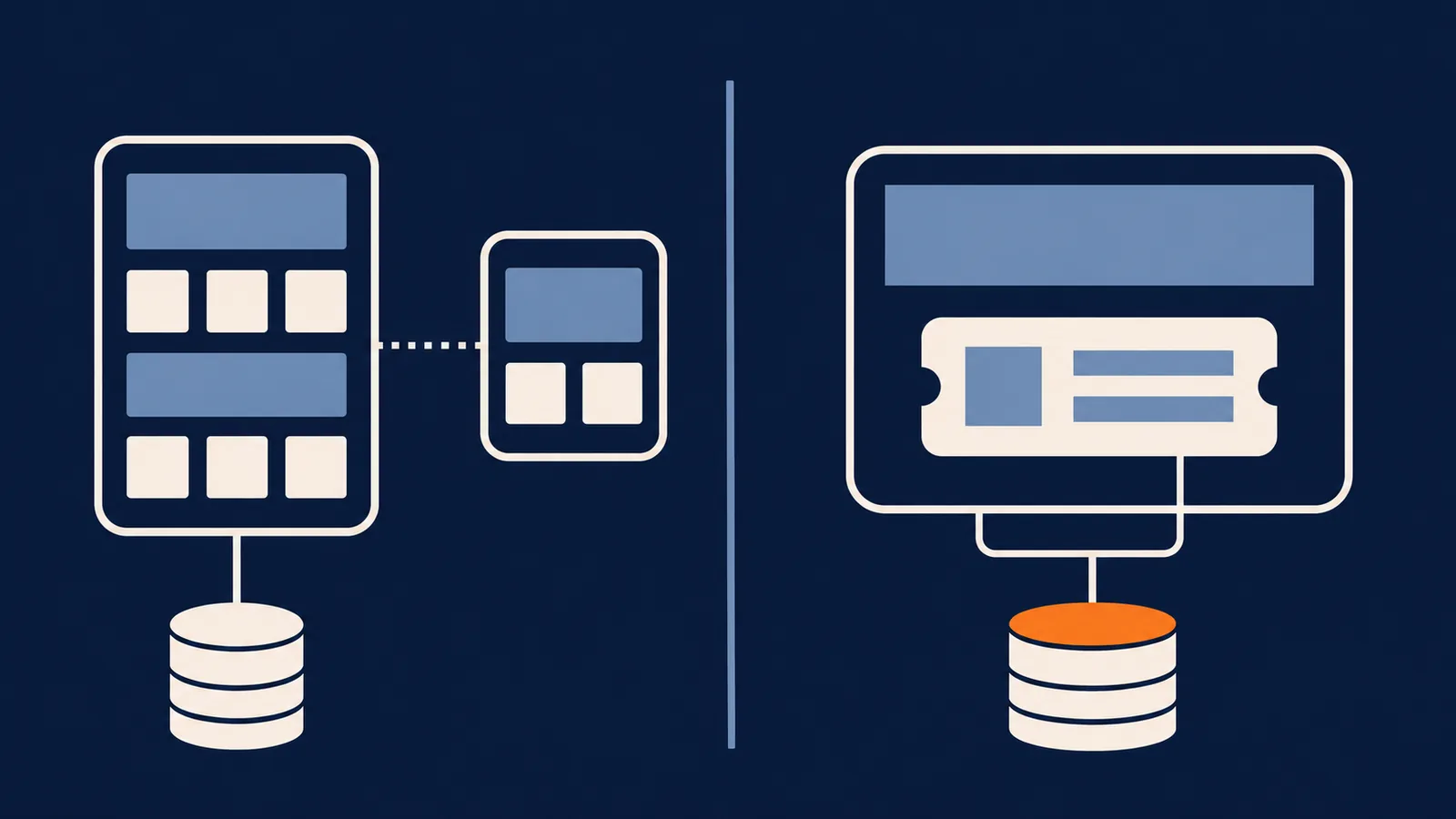
The open source ticketing systems are close enough on features that features won't decide it. Two other things will. One is the licence: running a help desk for your own staff is one thing, and modifying it for customers or shipping it inside a product you sell is another. The other is where it lives. Six of the seven projects below are separate applications with their own server, database and login. One installs inside your own application.
The table has the facts you need to compare them in an afternoon: licence, stack, requirements and install command. The sections after it cover what the licences let you do, and what each architecture costs you.
The comparison
| Project | Licence | Stack | Runs | Stated requirements | Install |
|---|---|---|---|---|---|
| osTicket | GPL-2.0 | PHP | Standalone | PHP 8.2 to 8.4 (8.4 recommended), MySQL 5.5+ | git clone, then php manage.php deploy --setup <webroot>, then a web installer |
| FreeScout | AGPL-3.0 | PHP (Laravel) | Standalone | PHP 7.4 to 8.x, MySQL, MariaDB or PostgreSQL | Shared hosting supported; see its installation guide |
| Zammad | AGPL-3.0 | Ruby on Rails, Vue | Standalone | PostgreSQL 15+; Elasticsearch optional but recommended | Docker, Helm, DEB or RPM packages |
| UVdesk Community | OSL-3.0 | PHP (Symfony) | Standalone | PHP 8.1, Composer 2, IMAP and Mailparse extensions | composer create-project uvdesk/community-skeleton helpdesk-project |
| Chatwoot | MIT | Ruby on Rails | Standalone | Not stated in the README | Docker, Helm or Heroku |
| Libredesk | AGPL-3.0 | Go, Vue 3 | Standalone | PostgreSQL | Docker, or a single binary: ./libredesk --install |
| Escalated | MIT | Packages for 11 frameworks | Embedded in your app | PHP 8.2+ for the Laravel package | Four commands, shown below |
Two details. Chatwoot's repository has an enterprise folder with its own terms, so read those before relying on the MIT label. And some directory sites list UVdesk as MIT, but its README says OSL-3.0, which is copyleft.
What the licence lets you do
All seven are free to download and run. The licence decides what you owe when you change the code or build it into something else.
| Licence | Run it for your own staff | Modify it, keep it internal | Offer a modified version to customers over a network | Ship it inside a closed-source product |
|---|---|---|---|---|
| GPL-2.0 (osTicket) | Yes | Yes | No obligation, since offering over a network isn't distribution | Distributing it means releasing your combined work under the GPL |
| AGPL-3.0 (FreeScout, Zammad, Libredesk) | Yes | Yes | You must offer those users the source of your modified version | Combining it with your code puts your code under the AGPL |
| OSL-3.0 (UVdesk) | Yes | Yes | Treated like distribution: source obligations apply | Derivative works carry the licence |
| MIT (Escalated, Chatwoot) | Yes | Yes | Yes, keep the notice | Yes, keep the notice |
That's a summary, not legal advice. What counts as a modification, a combined work or a separate program is a legal question, and a lawyer is the right person to ask when real money is involved.
In practice:
- Using one internally and unmodified is fine under any of them.
- Running one unmodified as a separate service beside your product is generally fine too, because the help desk is its own program.
- Modifying it and letting customers use it triggers the source obligations under AGPL and OSL. GPL-2.0 doesn't reach network use. MIT asks only for the notice.
- Building it into a product you sell is where MIT is different. A permissive licence lets the help desk sit inside a closed product, and a copyleft one pulls your own code toward the same terms.
If you run a SaaS and want a help desk inside your product, that last row is why the MIT column matters.
Standalone or embedded
Six of these are applications you stand up on their own: their own database, user accounts and deploy. You point a support address at one, your agents sign in to a new site, and customers use that site or get email from it. Connecting it to your product, so a ticket can show the customer's plan or last order, is a project you build.
An embedded package goes into your own application. You install it with your framework's package manager, run its migrations, and it creates its tables in your existing database. Your users are its users, so there's no second login to keep in sync, and a ticket can join against your orders or accounts in plain SQL.
osTicket, the oldest tool here, uses its own deploy step and then an installer:
git clone https://github.com/osTicket/osTicket.git
php manage.php deploy --setup /var/www/html/support
# then open the web installer in a browser and create the database
And the Escalated Laravel package, installed into an app you already run:
composer require escalated-dev/escalated-laravel
npm install @escalated-dev/escalated
php artisan escalated:install
php artisan migrate
That says nothing about quality. osTicket gives you a complete product in one install, while Escalated needs an application to go into. What differs is where the work lands: a standalone tool asks you to run a new system, and an embedded one asks you to already have one.
Pick standalone when you have no product to embed into, or when a non-technical team will run support and wants a finished application. FreeScout and Zammad are good choices for that. Pick embedded when you already deploy an application in a supported framework and want support to share its users, permissions and data.
What it costs to run
Free to download isn't free to run. You pay for the server, the setup and the upkeep, and only the server has a price you can look up. A template for a standalone tool, with the hours left blank:
One-off setup
  Server, database, web server, TLS         ___ h
  Inbound and outbound email                ___ h
  Single sign-on or user sync               ___ h

Each month
  Updates and backups                       ___ h
  Mail delivery problems                    ___ h

First year = one-off + (12 x monthly), then multiply by what an hour is worth
For an embedded package the first block mostly disappears, because the server, database and sign-in already exist. You still own inbound email and upkeep, which fold into your normal deploys. Whichever you choose, put a number on the sign-in line, because keeping two sets of accounts in sync is the part teams underestimate. For a worked comparison against hosted plans, see free help desk software.
Check the maintenance before you commit
An open source project is only as good as its last release. Open the repository and look at the date of the latest release and commit, how many issues are open and how fast a maintainer answers, and how security fixes are announced (usually a SECURITY.md and published advisories). Ten minutes on each repository beats any table, and it goes stale slower than a table too.
A checklist
- Licence: does it allow what you plan, including modifying it and embedding it?
- Architecture: standalone or embedded, and which matches whether you already run an application?
- Stack: can someone on your team run and debug it? A help desk in a language nobody knows becomes a liability.
- Inbound email: how are replies matched to tickets? Our email ticketing guide covers what to look for.
- Users: does it share your accounts, or do agents and customers need separate logins?
- Automation: can you route, escalate and close tickets by rule?
- Data: where does it live, and can you export it?
- Exit: if you outgrow it, can you leave with your tickets?
Where Escalated fits
Escalated is the embedded entry in the table: an MIT-licensed package, self-hosted, with no per-agent fees. You add the package for your framework, it creates its tables in your database, and you register its routes. It's available for Laravel, Rails, Django, AdonisJS, Symfony, NestJS, Phoenix, Go, .NET, Spring and WordPress, and renders its interface through Inertia.js.
It covers threaded conversations with internal notes, statuses, assignment to agents and teams, SLA tracking, tags and notifications. Workflows react to ticket events, automations act on tickets over time, and macros give agents one-click bundles of actions. Channels and AI features are plugins, not part of the core.
It's the wrong choice in two cases. If you have no application in a supported framework, there's nothing to install it into. And it has no IT service management, such as change or asset management. For those, a standalone tool will be quicker.
To try it in your framework, start with the getting started guide, or the pages for Laravel, Rails or Django. For hosted products side by side, see the comparison.
FAQ
What's the best open source ticketing system? For a standalone help desk, FreeScout, Zammad and osTicket are established. For one inside your own application, an embedded package like Escalated fits. Decide on licence and architecture first, then compare features among what's left.
Is open source ticketing software really free? The licence is. Hosting, setup, updates, backups and email delivery aren't. For a team with the skills that's usually a fair trade, and for a team without them a hosted plan can cost less overall.
Does the licence matter if I only run it internally? Rarely. Copyleft terms bite when you modify the code and offer it to others, or build it into a product.
Can I use an AGPL help desk next to my closed-source product? Running it unmodified as a separate service is generally fine. Modifying it, or combining its code with yours, is where the AGPL's obligations apply. Ask a lawyer before you rely on your own reading.
Can I switch ticketing systems later? Yes, if you can export your tickets and customers. Test an export early. Moving history between systems is a data-mapping job that's easier when planned.
Licences, requirements and install commands as of November 2026.